Your voice.
Every app. Every AI.

Local. Private. Safe. Smart!

Take notes, write emails, and prompt AI—all with your voice. Powered by Whisper AI, running 100% on your PC. No cloud. No subscription traps. Just pure productivity.

100% Offline
Made in Germany
Whisper AI
€9.99/year
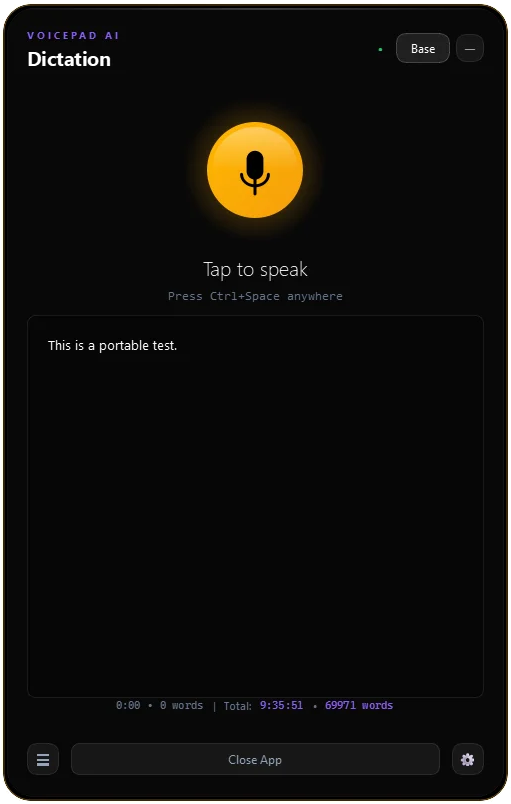
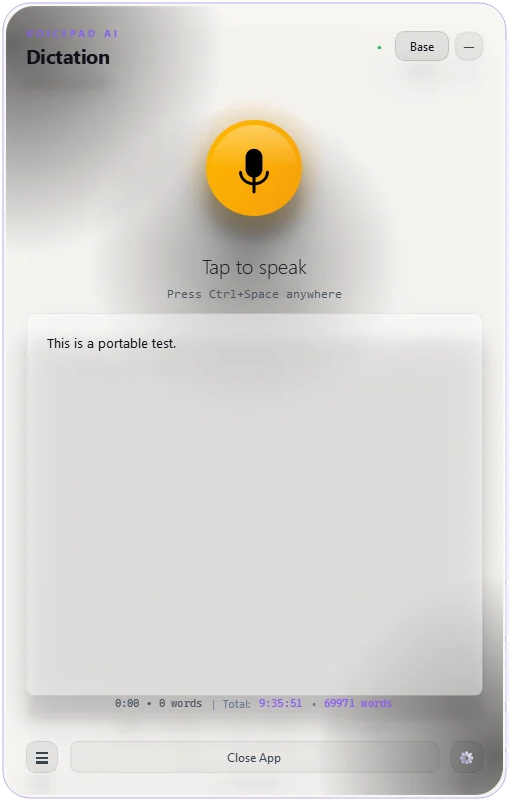
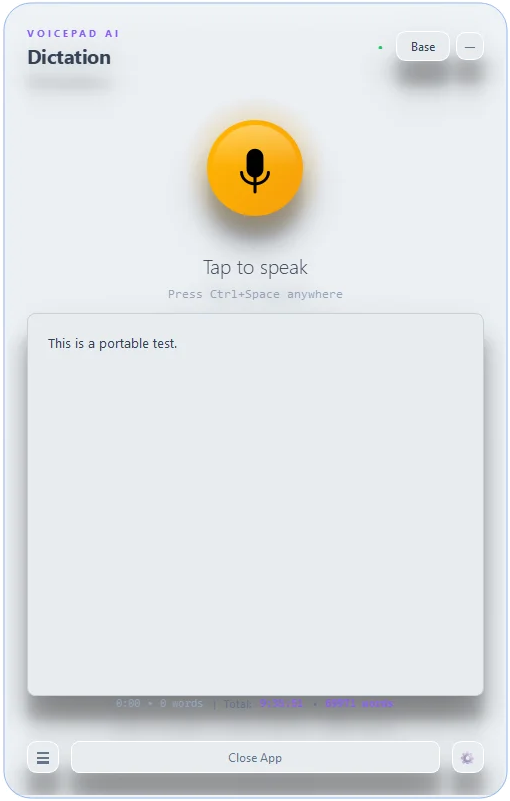
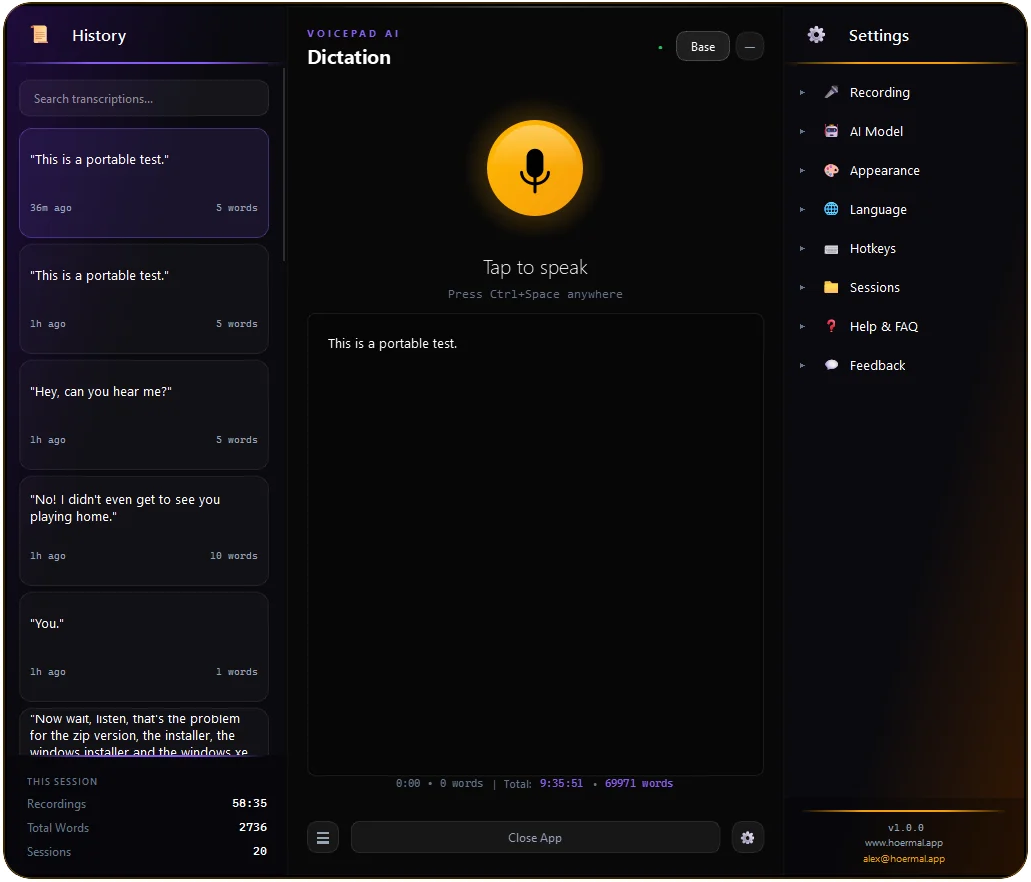
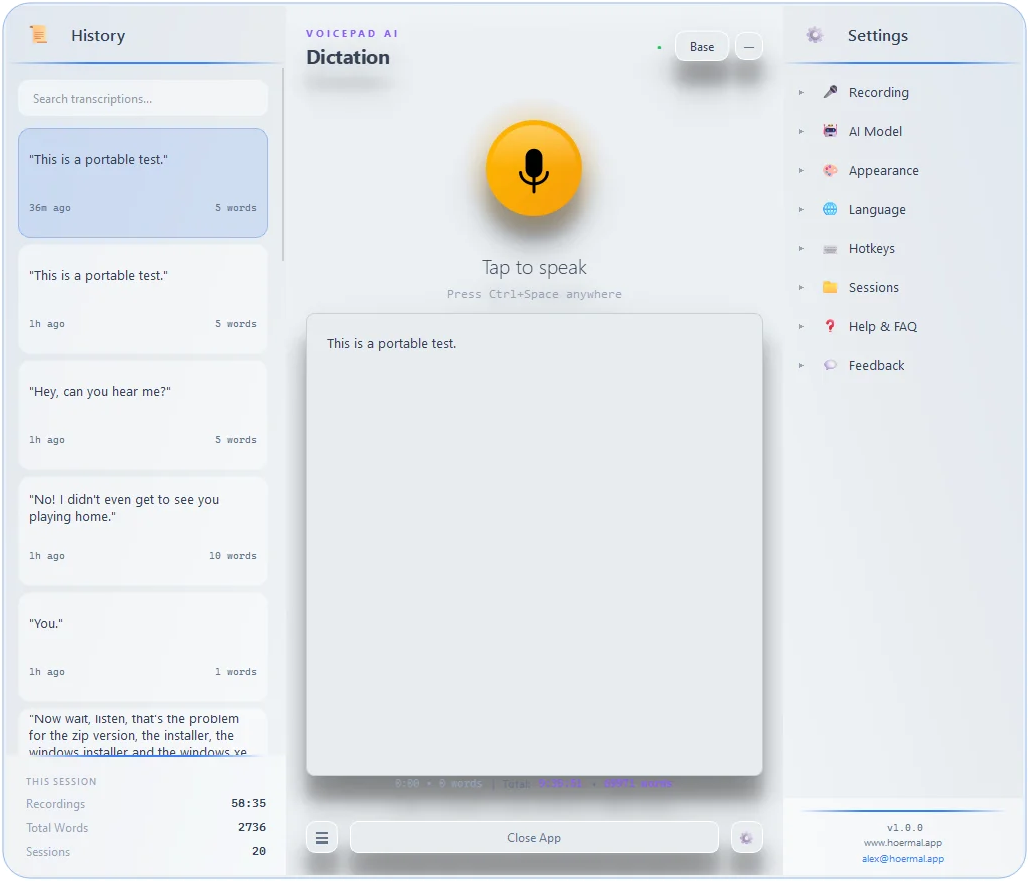
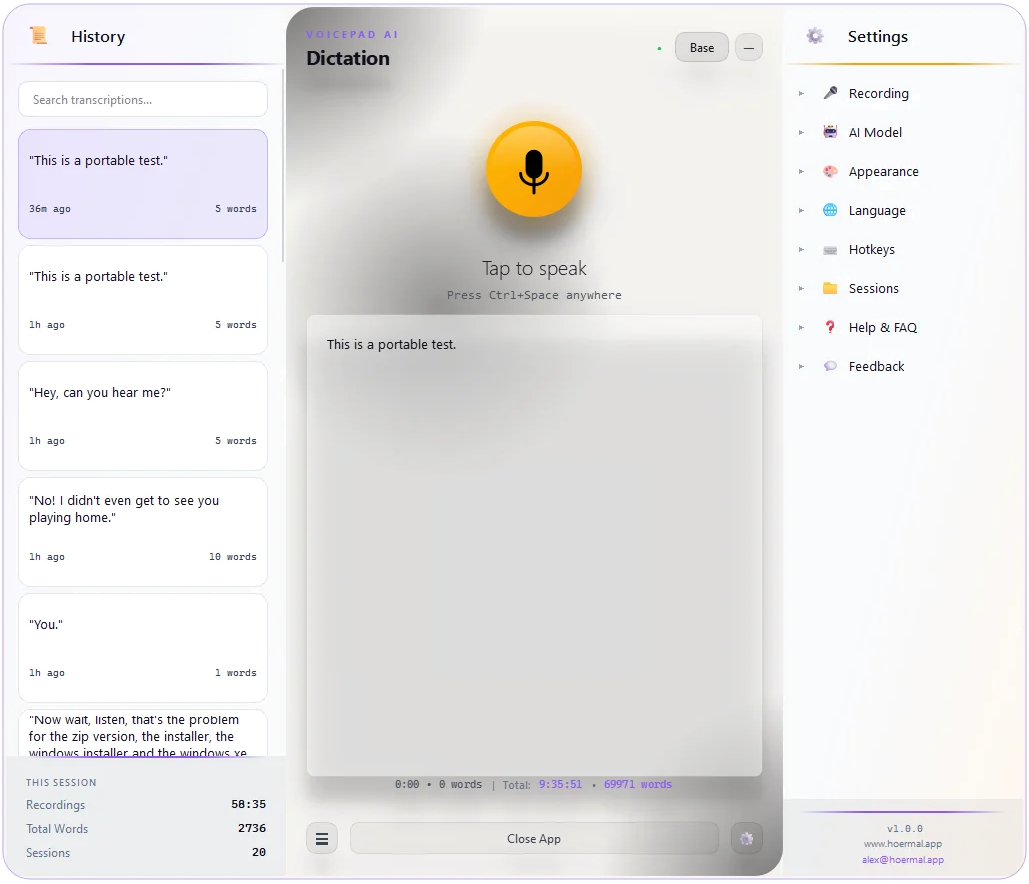
VoicePad AI

Dictation

Small (Balanced)
Tap to speak
Auto-detecting language...
0:00 • 0 words Total: 12h 4m • 42k words

VoicePad is different

Your voice stays on YOUR computer. Powered by the same AI that powers ChatGPT's voice features.

🔒

100% Private

Your voice never leaves your PC. No cloud uploads. No server storage. No exceptions. Ever.

Instant Transcription

Watch your words appear in real-time. Powered by Whisper AI—the most accurate speech recognition available.

🌐

Works Offline

No internet? No problem. VoicePad works 100% offline. Perfect for travel, secure environments, or peace of mind.

🎯

Works Everywhere

Any app. Any text field. Email, documents, chat, code editors—if you can type there, you can speak there.

🧠

Smart Punctuation

Automatic periods, commas, and formatting. No need to say "comma" or "period" ever again.

🌍

99+ Languages

English, German, Spanish, French, Chinese, Japanese, Arabic... Whisper understands them all.

⌨️

Hotkey Activated

Press a key, speak, release. Your words appear wherever your cursor is. Seamless and fast.

Talk to AI. Finally.

The fastest way to prompt ChatGPT, Claude, Cursor, and more. Your voice → perfect prompts.

You think faster than you type.

Your best ideas come when you're talking, not pecking at a keyboard. VoicePad captures your natural speech and transforms it into well-structured prompts that AI actually understands.

  • Auto-detects ChatGPT, Claude, Perplexity, Cursor
  • Removes filler words ("um", "like", "you know")
  • Structures rambling into clear instructions
🎙️ You say:
"um so I need like a Python script that uh reads a CSV file and then filters the rows where the status column equals completed and then um exports it to a new file called done.csv oh and add error handling please"
✨ VoicePad sends:
Write a Python script that:

1. Reads a CSV file
2. Filters rows where status == "completed"
3. Exports results to "done.csv"
4. Includes error handling

Please provide clean, documented code.

Ready to type less and say more?

Download VoicePad now. Free 7-day trial. No credit card. No cloud. No compromises.

```